
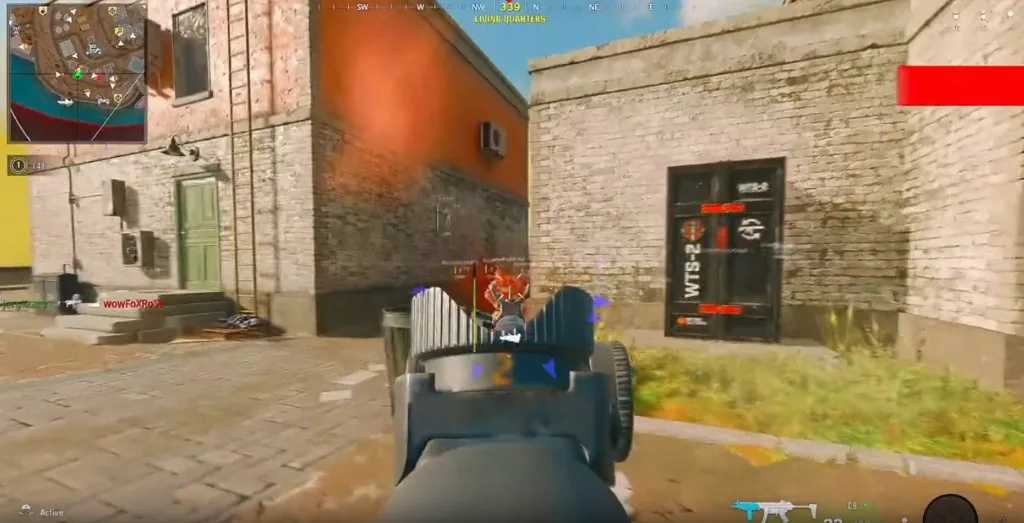
Call of Duty ESP in plain words
Call of Duty ESP is the overlay that shows players through walls — boxes, skeletons, health, names, distance, weapons. On codcheats.net it is listed under Call of Duty cheats, not buried in slang.
People search call of duty esp, cod wallhack, warzone hacks. Same job: stop clearing a building blind. Your job is keeping the overlay readable so you can still see doors.
Activision’s live games reward information. ESP makes that information loud. Loud is useful until you cannot see the angle you are holding.
What to turn on first
Start with Box or Skeleton, not both at max thickness. Add Health Bar. Turn Distance on. Weapons help you decide if a push is stupid. Nicknames help in sweaty lobbies.
Show Team stops your squad from looking hostile. Snap Lines help in multi-story buildings and feel noisy outdoors. Max Distance should match the playlist.
Thickness sliders fix muddy 1080p versus cluttered ultrawide. Full module names sit on the full feature list. Config walkthrough: Call of Duty ESP config.
ESP with aimbot and loot tools
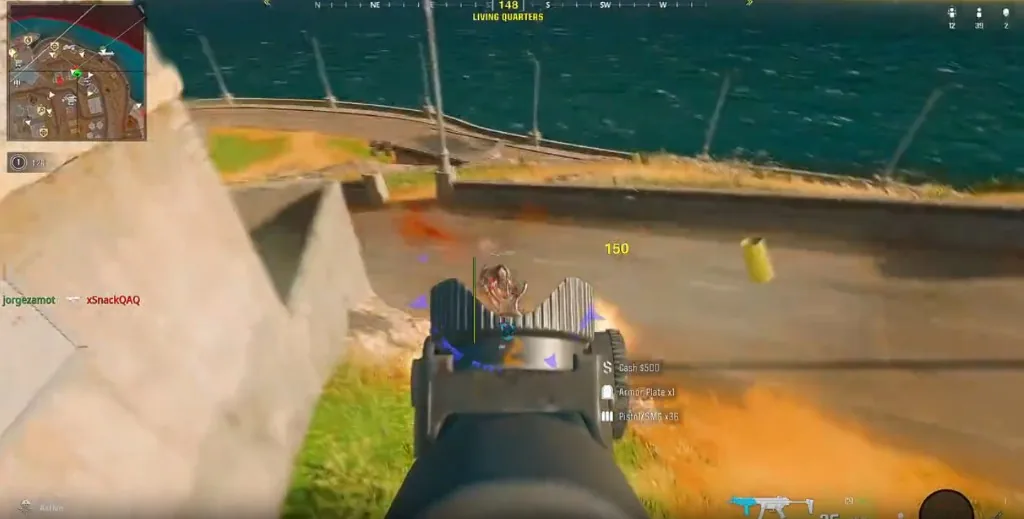
ESP tells you who exists. Call of Duty aimbot helps finish the ones you choose. Do not run one module and ignore the rest of the suite.
Loot ESP is separate on purpose. Player outlines and ground loot should not share one messy color soup. See Warzone loot ESP.
StreamProof under Misc keeps overlays off OBS-style capture if you broadcast. Viewers can still notice bad tracking even when they cannot see boxes.
Mode notes that actually matter
Warzone rotations love distance plus compass. Multiplayer loves shorter Max Distance. Ranked players should avoid neon filled boxes that scream on any floated clip.
RICOCHET still exists. Call of Duty ESP is a tool inside a maintained suite, not a shield. Read the RICOCHET guide if you want Activision’s stack without sales talk.
Pricing is $35 monthly or $150 lifetime. Compare options on pricing plans. Questions go to contact support.
Keep the overlay boring
Boring overlays win more games. Flashy presets make highlight-worthy mistakes. If the screen feels busy, lower thickness before you disable the whole suite in tilt.
Browse more guides on the Call of Duty cheats blog. Link back to Call of Duty cheats when you are ready to buy. That is how a Call of Duty site stays useful instead of spammy.
Write down your last clean ESP preset. Future you will thank you after the next mid-season patch.
Before you queue
Change one setting cluster at a time. Warm up once. If the game feels worse, revert before stacking more changes.
Cloud DMA on AWS is required for full functionality — see system requirements.
Stay inside the live feature list for call of duty esp. Setup help: contact support.